Sims-1-Programs-for-Legacy-Collection
This project has all the programs Maxis made for sims 1 ands let’s you install them to the Legacy Collection release of the game
Included Programs
- The Sims Creator
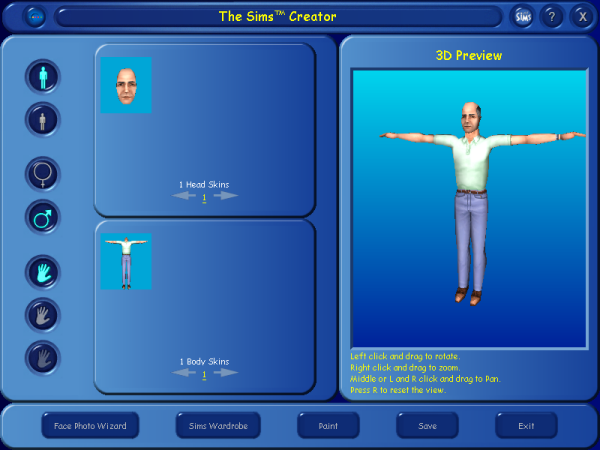
Let’s you create CC heads and bodies
-
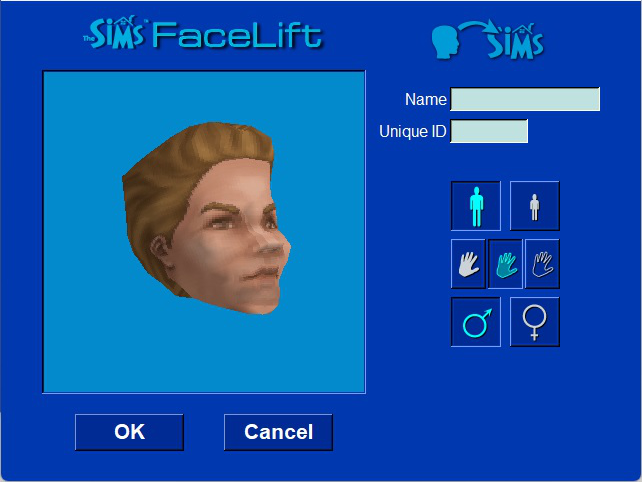
FaceLift
</p>
Also let’s you create CC faces, but this one works differently. You edit the face using sliders
-
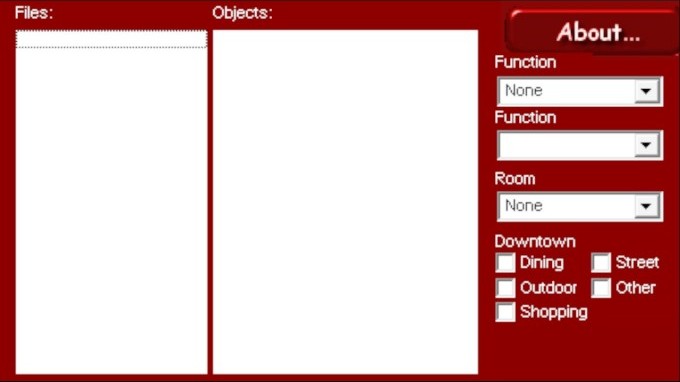
Object Organizer
</p>
Let’s you fix CC that’s not categorized correctly
-
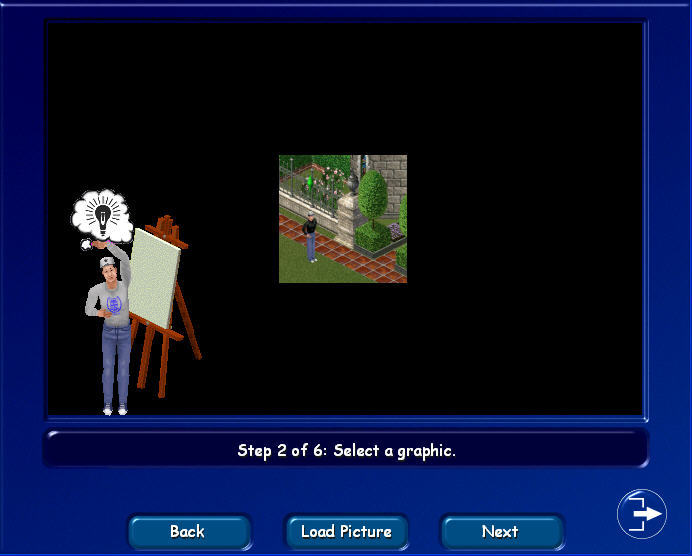
Art Studio
</p>
Let’s you create CC paintings
(Important Note: Items made with Art Studio need to then be fixed with Object Organizer)
-
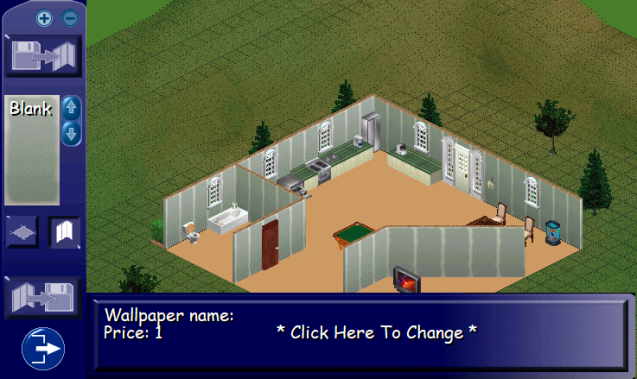
HomeCrafter
</p>
Let’s you create CC walls and floors
-
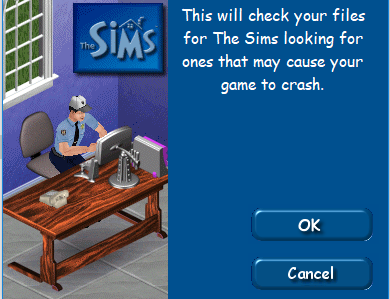
File Cop
</p>
Checks your game files and CC for any bad files
-
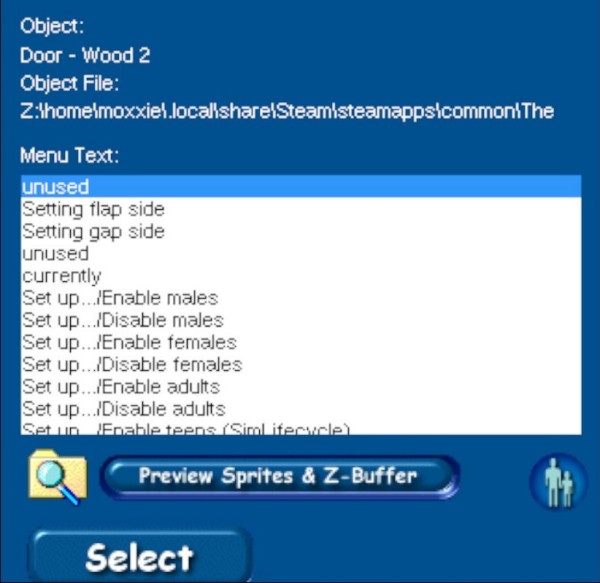
Menu Editor
</p>
Let’s you edit the menu text of an object
(Note: This program doesn’t let you change the actual interactions. Only the text in the pie menu)
-
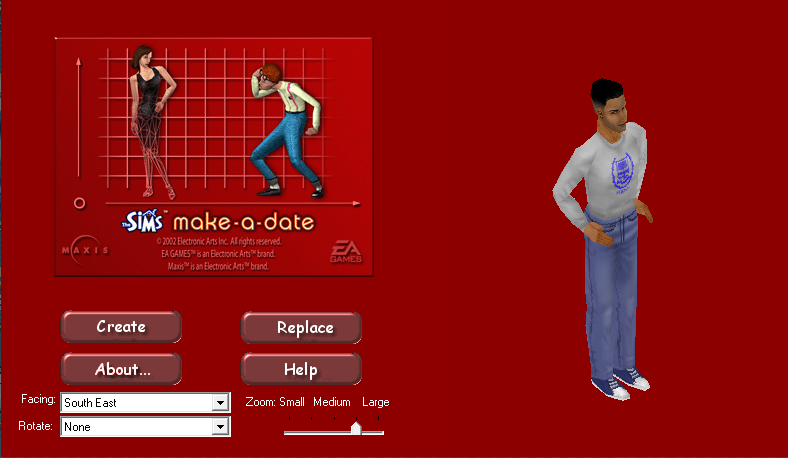
Make-A-Date
</p>
Let’s you create custom Hot Date townies
-
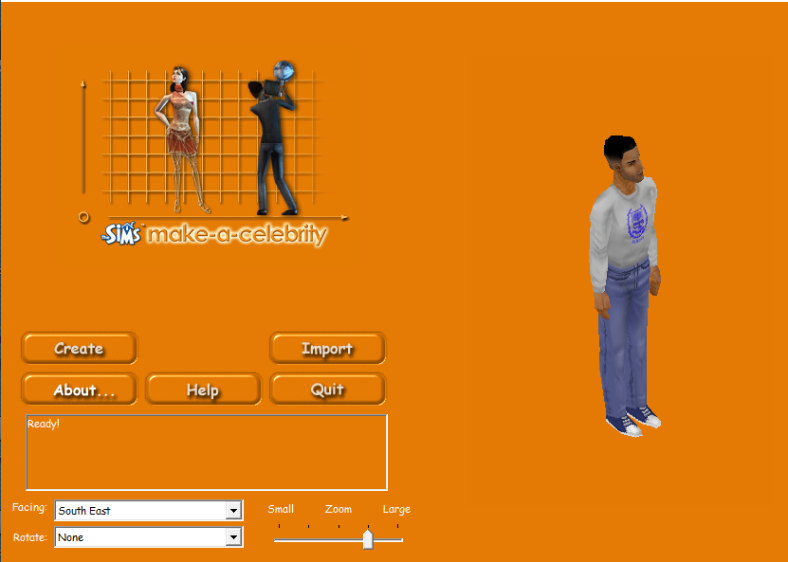
Make-A-Celebrity
</p>
Same as Make-A-Date but for Superstar celebrities
- If you need any help with these programs, they all come with their original read me file.
Install Instructions
- Download the program from the Releases page
- Start the setup
- select where you have the sims 1 installed:
- Steam →
C:\Program Files (x86)\Steam\steamapps\common\The Sims Legacy Collection - EA App →
C:\Program Files\EA Games\The Sims Legacy - Custom Install → Select manually.
- Steam →
- Choose which programs you want to install
- let the installation complete
- The programs are put into your sims 1 installation. They’re all in a new folder called
Programs.
Troubleshooting
- 16 bit color error
Art Studio needs 16 bit color mode while Homecrafter needs 16 bit color mode and xp service pack 2 compability mode. You getting a 16 bit color mode error means the installer failed to apply these atrributes. So, you’ll have to go into the properties of the exe and apply them manually.
- Uninstalling
In your sims 1 installation you’ll find a file called unins000.exe. Running this will uninstall all of the sims 1 programs from this installer.